
Step 1 of 2
Pick up on your iPhone
Point your phone camera at the code below. Checkout opens right in your mobile browser, and Premium unlocks as soon as you are done.
Scan the code
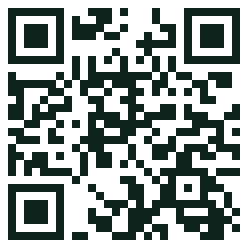
Open your iPhone camera, hold it over the square and tap the link that appears. You will land on the plans page, ready to choose.
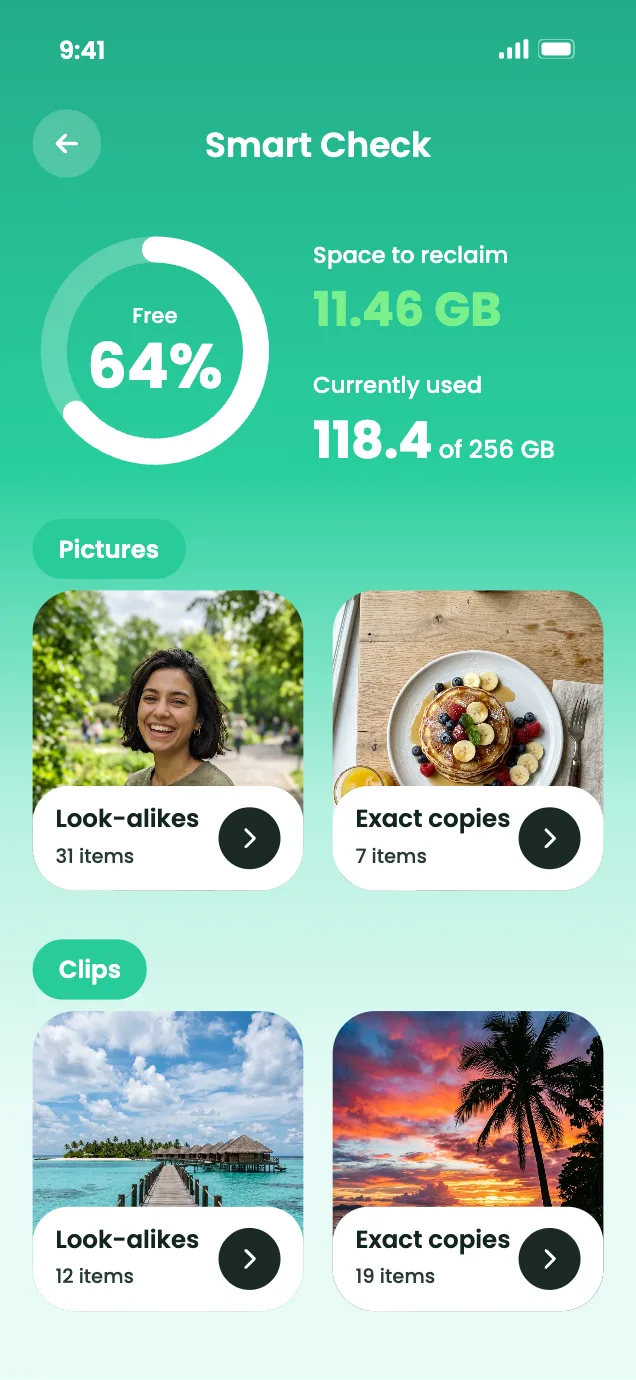
What happens next
- Scan the code and the plans page opens on your phone.
- Choose the trial, weekly or monthly plan that suits you.
- Pay securely from the mobile page.
- Install Secure Clean from the link we show you.
- Sign in and use every Premium tool.
Once payment goes through on the mobile page, install the app and sign in to switch Premium on.